
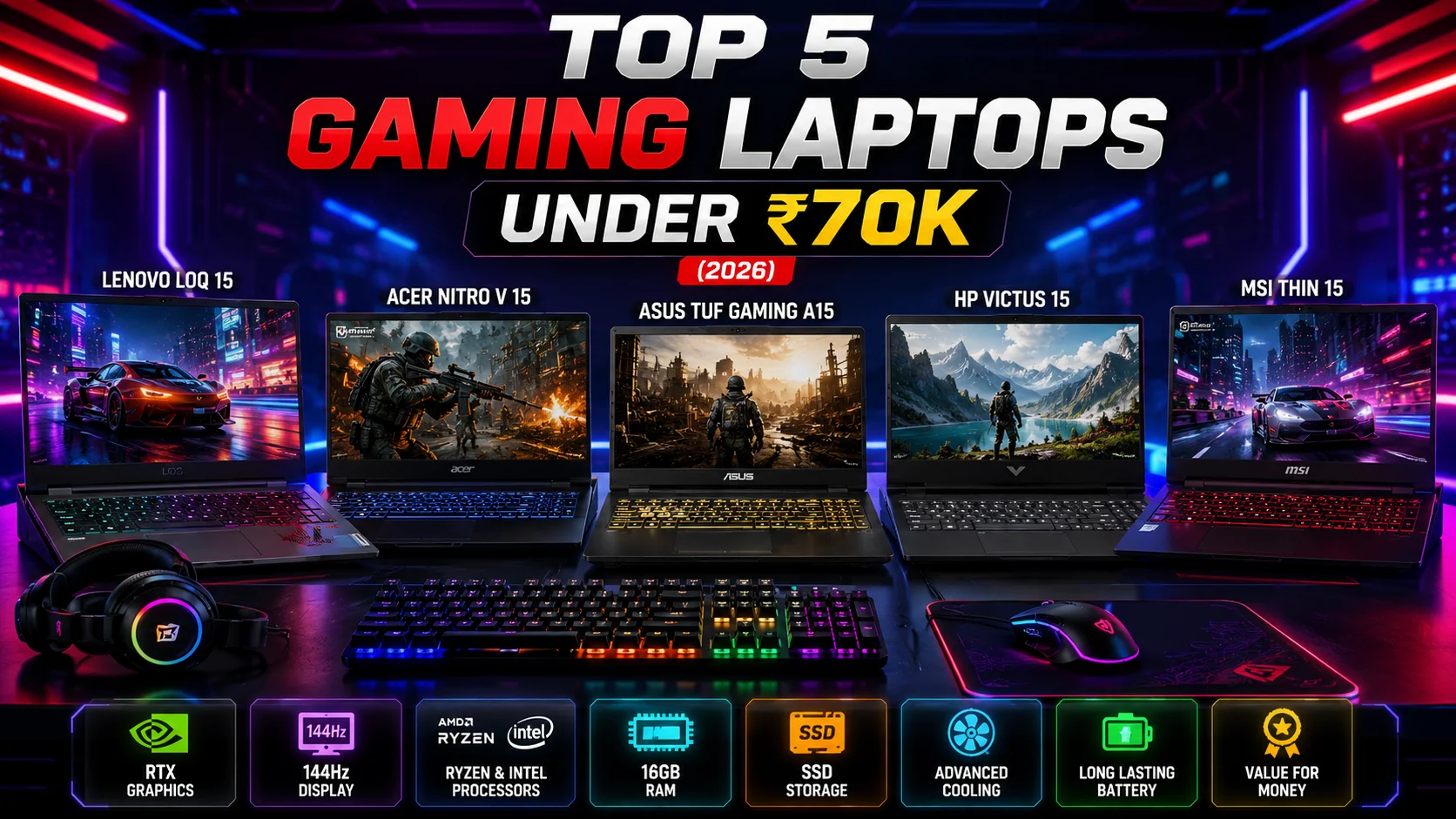
Top 5 Gaming Laptops Under ₹70,000 – The Ultimate Buying Guide (2026)
Finding the best gaming laptop under ₹70,000 is no longer as difficult as it used to be. Thanks to rapid improvements in processors, graphics cards, cooling systems, and high-refresh-rate displays, budget gaming laptops now deliver an impressive gaming experience without costing a fortune.
Whether you enjoy BGMI, Valorant, Counter-Strike 2, GTA V, Forza Horizon 5, Cyberpunk 2077, or the latest AAA titles, a well-balanced laptop in this price range can provide smooth gameplay while also handling video editing, programming, graphic design, and everyday productivity.
The key is choosing a laptop with the right combination of CPU, GPU, RAM, storage, display quality, and thermal performance. A powerful processor alone is not enough, and neither is a dedicated graphics card if the laptop suffers from poor cooling or a low-quality display.
In this detailed guide, we compare the Top 5 Gaming Laptops Under ₹70,000 available in India. Each laptop has been selected based on its gaming performance, build quality, display, battery life, upgrade options, cooling efficiency, and overall value for money.
By the end of this guide, you’ll know exactly which laptop suits your gaming style and budget.
Things to Consider Before Buying a Gaming Laptop Under ₹70,000
Buying a gaming laptop is a long-term investment. Before choosing one, it is important to understand the hardware that actually affects gaming performance.

Processor (CPU)
The processor acts as the brain of your laptop. Modern games rely heavily on both the processor and graphics card to deliver high frame rates.
For the best experience in this price segment, look for:
- AMD Ryzen 7 7435HS
- AMD Ryzen 5 7535HS
- Intel Core i5-13420H
- Intel Core i5-12450HX
- Intel Core i5-12450H
These processors offer excellent multi-core performance, making them suitable for gaming, streaming, multitasking, and professional workloads.
Graphics Card (GPU)
The dedicated graphics card is the most important component for gaming.
Within a budget of ₹70,000, you should prioritise laptops equipped with:
- NVIDIA GeForce RTX 3050 (6GB)
- NVIDIA GeForce RTX 4050 (6GB) (during offers)
- NVIDIA GeForce RTX 2050
- NVIDIA GeForce GTX 1650 (only if available at a significantly lower price)
An RTX GPU supports Ray Tracing, DLSS, and improved AI-powered graphics, making it a much better long-term choice than older GTX cards.
RAM
Modern games require sufficient memory to run smoothly.
A gaming laptop should include at least:
- 16GB DDR5 RAM (Recommended)
- 16GB DDR4 RAM (Acceptable)
- Upgradeable memory slots for future expansion.
Avoid purchasing laptops with only 8GB RAM, unless you plan to upgrade immediately.
Storage
Games are becoming larger every year.
Choose a laptop with:
- 512GB NVMe SSD (Minimum)
- 1TB SSD (Ideal)
- Additional SSD slot for future upgrades.
Fast SSD storage significantly reduces loading times and improves overall system responsiveness.
Display
A good display makes gaming more enjoyable.
Look for:
- 15.6-inch Full HD IPS Display
- 144Hz Refresh Rate
- Anti-glare coating
- Good colour accuracy
- Narrow bezels
A 144Hz display provides noticeably smoother gameplay than a standard 60Hz screen.
Cooling System
Gaming generates substantial heat.
An efficient cooling system helps:
- Maintain consistent performance
- Prevent thermal throttling
- Extend component lifespan
- Keep fan noise under control
Dual-fan cooling systems with multiple heat pipes are generally preferable.
Battery Life
Gaming laptops are designed primarily for performance rather than all-day battery life.
Typical battery backup:
- Gaming: 1.5–2.5 hours
- Office work: 5–7 hours
- Media streaming: 6–8 hours
Always use the charger while gaming for maximum performance.
Top 5 Gaming Laptops Under ₹70,000

1. Lenovo LOQ 15 – Best Overall Gaming Laptop Under ₹70,000
The Lenovo LOQ 15 has quickly established itself as one of the strongest contenders in the budget gaming category. It combines a powerful processor, modern RTX graphics, excellent cooling, and a premium design, making it an outstanding choice for gamers and content creators alike.

Unlike many entry-level gaming laptops, the LOQ focuses on maintaining stable performance during extended gaming sessions. Its efficient thermal management ensures that both the CPU and GPU can sustain high clock speeds without excessive throttling.
Key Specifications
- Processor: AMD Ryzen 7 7435HS
- Graphics: NVIDIA GeForce RTX 3050 6GB
- Display: 15.6-inch Full HD IPS, 144Hz
- RAM: 16GB DDR5
- Storage: 512GB PCIe Gen4 SSD
- Operating System: Windows 11
Gaming Performance
The RTX 3050 paired with the Ryzen 7 processor offers excellent performance in modern games.
Expected average frame rates:
- Valorant: 220–280 FPS
- CS2: 180–220 FPS
- GTA V: 110–130 FPS
- Forza Horizon 5: 80–100 FPS
- EA FC 26: 150+ FPS
- Cyberpunk 2077: 55–70 FPS (DLSS Enabled)
The combination delivers smooth gameplay at 1080p High Settings for most modern titles.
Display Quality
The 144Hz IPS display provides vibrant colours and fluid motion.
Benefits include:
- Smooth competitive gaming
- Reduced motion blur
- Wide viewing angles
- Better colour reproduction
- Comfortable viewing during long gaming sessions
Cooling Performance
One of Lenovo’s strongest advantages is its advanced cooling system.
The LOQ includes:
- Dual cooling fans
- Large air vents
- Multiple heat pipes
- Intelligent thermal optimisation
These features help maintain lower temperatures even during extended gaming marathons.
Build Quality
The laptop feels sturdy despite its affordable price.
Highlights include:
- Premium-looking design
- Minimal flex
- Comfortable keyboard
- Large precision touchpad
- Durable hinges
Its understated appearance also makes it suitable for office and college use.
Pros
- Excellent gaming performance
- Powerful Ryzen 7 processor
- RTX 3050 6GB graphics
- Fast DDR5 memory
- Excellent cooling
- Smooth 144Hz display
- Good upgrade options
Cons
- Average battery backup while gaming
- Speakers could deliver deeper bass
Who Should Buy It?
The Lenovo LOQ 15 is ideal for gamers looking for the best overall balance of performance, cooling, display quality, and future upgrade potential within a budget of ₹70,000. It is equally well suited for students, video editors, and professionals who need a capable machine for both work and entertainment.
In the next section, we’ll cover laptops ranked 2 to 4, including the Acer Nitro V 15, ASUS TUF Gaming A15, and HP Victus 15, with detailed performance analysis, gaming benchmarks, features, and pros and cons.
2. Acer Nitro V 15 – Best Value for Competitive Gaming
The Acer Nitro V 15 is an excellent choice for gamers who want a laptop capable of handling both esports titles and modern AAA games without exceeding a budget of ₹70,000. Acer has significantly improved the Nitro series over the years by enhancing the cooling system, refining the design, and offering better hardware configurations.
The laptop strikes an excellent balance between performance, display quality, and upgradeability, making it a strong competitor in this price segment.
Key Specifications
- Processor: Intel Core i5-13420H
- Graphics: NVIDIA GeForce RTX 3050 6GB
- Display: 15.6-inch Full HD IPS, 144Hz
- RAM: 16GB DDR5
- Storage: 512GB PCIe Gen4 SSD
- Operating System: Windows 11
Gaming Performance
The combination of the Intel Core i5-13420H and RTX 3050 delivers reliable gaming performance across a wide range of titles.
Average gaming performance:
- Valorant: 220–300 FPS
- Counter-Strike 2: 170–210 FPS
- PUBG PC: 110–140 FPS
- Forza Horizon 5: 80–95 FPS
- Red Dead Redemption 2: 60–75 FPS
- Call of Duty: Warzone: 70–90 FPS
The laptop performs particularly well in competitive games where higher frame rates are essential.
Display Quality
The 144Hz IPS display offers smooth visuals with reduced screen tearing and motion blur. Fast-paced games feel more responsive, while movies and everyday tasks also benefit from the sharp Full HD resolution.
Cooling System
Acer’s dual-fan cooling system effectively manages heat during extended gaming sessions. Large air vents and dedicated cooling modes help maintain stable performance while reducing thermal throttling.
Build Quality
The Nitro V 15 features a modern gaming-inspired design without appearing overly aggressive. The keyboard offers good tactile feedback, and the chassis feels durable enough for daily use.
Pros
- Excellent gaming performance
- RTX 3050 6GB graphics
- Smooth 144Hz display
- Upgradeable RAM and SSD
- Good thermal management
- Strong value for money
Cons
- Battery life is average
- Speakers could be louder
Who Should Buy It?
The Acer Nitro V 15 is ideal for gamers who primarily play Valorant, Counter-Strike 2, PUBG, and other competitive titles while still wanting enough power for demanding AAA games.
3. ASUS TUF Gaming A15 – Best for Durability and Cooling
The ASUS TUF Gaming A15 has earned a reputation for its rugged build quality and dependable gaming performance. Built with durability in mind, it is designed to withstand daily use while delivering consistent performance during long gaming sessions.
Its efficient cooling system and reliable hardware make it one of the most dependable gaming laptops in this price category.
Key Specifications
- Processor: AMD Ryzen 5 7535HS
- Graphics: NVIDIA GeForce RTX 3050 6GB
- Display: 15.6-inch Full HD IPS, 144Hz
- RAM: 16GB DDR5
- Storage: 512GB PCIe Gen4 SSD
- Operating System: Windows 11
Gaming Performance
Powered by the Ryzen 5 7535HS and RTX 3050, the ASUS TUF Gaming A15 comfortably handles modern games at 1080p High Settings.
Average gaming performance:
- Valorant: 240–300 FPS
- GTA V: 110–130 FPS
- Forza Horizon 5: 80–95 FPS
- Cyberpunk 2077: 55–70 FPS
- EA FC 26: 160+ FPS
- Apex Legends: 110–140 FPS
Performance remains stable even during extended gaming thanks to ASUS’s well-designed cooling solution.
Display Quality
The 144Hz IPS display delivers smooth gameplay with accurate colours and good viewing angles. Whether gaming, editing videos, or watching content, the display provides an enjoyable visual experience.
Cooling Performance
One of the strongest aspects of the TUF Gaming A15 is its advanced cooling system.
Key features include:
- Dual Arc Flow Fans
- Multiple heat pipes
- Self-cleaning cooling design
- Intelligent fan profiles
These technologies help maintain lower temperatures and consistent frame rates.
Build Quality
The TUF series is known for its robust construction.
Notable highlights include:
- Durable chassis
- Comfortable RGB keyboard
- Strong hinges
- Military-inspired design
- Premium overall feel
It is built to withstand frequent travel, making it suitable for students and professionals alike.
Pros
- Excellent build quality
- Reliable cooling
- Strong gaming performance
- Fast DDR5 memory
- Good keyboard
- Upgradeable components
Cons
- Slightly heavier than some competitors
- Webcam quality is average
Who Should Buy It?
Choose the ASUS TUF Gaming A15 if you prioritise durability, efficient cooling, and long-term reliability without compromising gaming performance.
4. HP Victus 15 – Best for Gaming and Everyday Productivity
The HP Victus 15 is an excellent all-round laptop that combines gaming capabilities with a clean, professional design. Unlike many gaming laptops with flashy aesthetics, the Victus looks equally comfortable in an office, classroom, or gaming setup.
Its balanced hardware makes it suitable not only for gaming but also for video editing, programming, graphic design, and multitasking.
Key Specifications
- Processor: AMD Ryzen 5 7535HS
- Graphics: NVIDIA GeForce RTX 3050 6GB
- Display: 15.6-inch Full HD IPS, 144Hz
- RAM: 16GB DDR5
- Storage: 512GB PCIe Gen4 SSD
- Operating System: Windows 11
Gaming Performance
The HP Victus 15 offers dependable gaming performance for both esports and modern AAA games.
Average gaming performance:
- Valorant: 220–280 FPS
- CS2: 170–210 FPS
- GTA V: 105–125 FPS
- Forza Horizon 5: 75–90 FPS
- Resident Evil 4 Remake: 65–80 FPS
- Cyberpunk 2077: 55–68 FPS
The laptop performs consistently well at 1080p High Settings, providing a smooth gaming experience for most users.
Display and Multimedia Experience
The Full HD IPS display with a 144Hz refresh rate delivers smooth visuals, while the anti-glare panel helps reduce reflections during long gaming or work sessions.
The laptop is also well suited for media consumption thanks to its sharp display and decent audio quality.
Build Quality
HP has opted for a minimalist design that appeals to both gamers and professionals.
The Victus features:
- Comfortable full-size keyboard
- Large touchpad
- Solid build quality
- Good port selection
- Professional appearance
Pros
- Balanced overall performance
- Professional design
- Smooth 144Hz display
- Comfortable keyboard
- Upgradeable memory and storage
- Good value for money
Cons
- Cooling is slightly less aggressive than some competitors
- Display brightness could be higher
Who Should Buy It?
The HP Victus 15 is perfect for users who want a laptop that can handle gaming during leisure time while also serving as a capable machine for college, office work, and content creation without looking like a traditional gaming laptop.
5. MSI Thin 15 – Best Entry-Level RTX Gaming Laptop
The MSI Thin 15 is an excellent option for gamers looking to experience RTX gaming at an affordable price. MSI is a well-known gaming brand, and the Thin 15 brings together a modern processor, dedicated RTX graphics, a high-refresh-rate display, and a lightweight design.
Compared to some competitors, the MSI Thin 15 is slimmer and easier to carry, making it a good choice for students and professionals who need a gaming laptop that is also portable.
Key Specifications
- Processor: Intel Core i5-12450H
- Graphics: NVIDIA GeForce RTX 3050 6GB
- Display: 15.6-inch Full HD IPS-Level Display, 144Hz
- RAM: 16GB DDR4
- Storage: 512GB NVMe PCIe SSD
- Operating System: Windows 11 Home
Gaming Performance
The MSI Thin 15 delivers smooth gaming performance in most modern titles at 1080p High Settings.
Expected average frame rates:
- Valorant: 220–300 FPS
- Counter-Strike 2: 170–210 FPS
- GTA V: 105–125 FPS
- Forza Horizon 5: 75–90 FPS
- Cyberpunk 2077: 50–65 FPS (DLSS Enabled)
- Shadow of the Tomb Raider: 85–100 FPS
Although it uses DDR4 RAM, the gaming experience remains excellent for most users, especially those upgrading from older GTX-based laptops.
Display Quality
The 144Hz IPS-Level display provides smooth visuals with good colour reproduction and wide viewing angles. Fast-paced games feel responsive, while movies and everyday tasks also benefit from the sharp Full HD resolution.
Cooling System
MSI’s Cooler Boost technology helps maintain stable temperatures during gaming. While it performs well under load, the cooling fans can become audible during demanding AAA games, which is common in slim gaming laptops.
Build Quality
The MSI Thin 15 features a sleek, lightweight chassis with a modern design. Its compact form factor makes it easier to carry than many traditional gaming laptops.
Pros
- Slim and lightweight design
- RTX 3050 graphics
- 144Hz display
- Reliable gaming performance
- Portable for students and professionals
- Good value for money
Cons
- Uses DDR4 RAM instead of DDR5
- Fan noise increases during heavy gaming
- Battery backup is average
Who Should Buy It?
The MSI Thin 15 is ideal for users who want a portable gaming laptop with dependable RTX performance for gaming, studying, and everyday productivity.
Gaming Laptop Comparison Table
| Laptop | Processor | Graphics Card | RAM | Display | Best For |
|---|---|---|---|---|---|
| Lenovo LOQ 15 | AMD Ryzen 7 7435HS | RTX 3050 6GB | 16GB DDR5 | 144Hz IPS | Overall Best |
| Acer Nitro V 15 | Intel Core i5-13420H | RTX 3050 6GB | 16GB DDR5 | 144Hz IPS | Competitive Gaming |
| ASUS TUF Gaming A15 | AMD Ryzen 5 7535HS | RTX 3050 6GB | 16GB DDR5 | 144Hz IPS | Cooling & Durability |
| HP Victus 15 | AMD Ryzen 5 7535HS | RTX 3050 6GB | 16GB DDR5 | 144Hz IPS | Gaming & Productivity |
| MSI Thin 15 | Intel Core i5-12450H | RTX 3050 6GB | 16GB DDR4 | 144Hz IPS | Portability |
Which Gaming Laptop Should You Choose?
Your ideal gaming laptop depends on your priorities.
- Choose the Lenovo LOQ 15 if you want the best overall gaming performance, premium cooling, and excellent future upgrade potential.
- Select the Acer Nitro V 15 if you mainly play competitive esports games and want excellent value for money.
- Pick the ASUS TUF Gaming A15 if you prioritise durability, efficient cooling, and long-term reliability.
- Buy the HP Victus 15 if you need one laptop for gaming, office work, college, and content creation.
- Choose the MSI Thin 15 if portability is important and you want a lightweight gaming machine.
Frequently Asked Questions
Is ₹70,000 enough for a gaming laptop?
Yes. A budget of ₹70,000 is sufficient to buy a gaming laptop with an RTX 3050 graphics card, a powerful modern processor, 16GB RAM, and a 144Hz display, making it suitable for both esports and AAA games.
Which graphics card is best under ₹70,000?
The NVIDIA GeForce RTX 3050 6GB offers the best combination of performance, features, and value in this price range. During special sales, you may also find laptops with an RTX 4050, which provides even better gaming performance.
Can these laptops run AAA games?
Yes. All the laptops listed can comfortably run modern AAA titles such as Cyberpunk 2077, Forza Horizon 5, Red Dead Redemption 2, Hogwarts Legacy, and Resident Evil 4 Remake at 1080p with medium to high graphics settings.
Is 16GB RAM necessary for gaming?
Yes. 16GB RAM is now considered the ideal amount for modern gaming, multitasking, streaming, and content creation. It also provides better long-term usability than 8GB.
Can I upgrade RAM and storage later?
Most gaming laptops in this list allow users to upgrade both RAM and SSD storage, making them a good long-term investment.
Final Verdict
Choosing the best gaming laptop under ₹70,000 is easier than ever because manufacturers now offer powerful hardware at competitive prices. All five laptops featured in this guide provide excellent gaming performance, modern RTX graphics, high-refresh-rate displays, and upgrade options that ensure they remain relevant for years.
Among them, the Lenovo LOQ 15 stands out as the best overall choice due to its excellent balance of performance, cooling, display quality, DDR5 memory, and overall value for money. It delivers a consistently smooth gaming experience while also excelling in productivity tasks such as video editing, programming, and graphic design.
If your priorities differ, the remaining laptops also offer compelling reasons to consider them. The Acer Nitro V 15 is an outstanding choice for competitive gamers, the ASUS TUF Gaming A15 impresses with its rugged build and cooling efficiency, the HP Victus 15 offers the perfect blend of gaming and professional usability, and the MSI Thin 15 is ideal for users seeking a lightweight gaming companion.
Before making your purchase, compare the latest prices, available discounts, warranty offers, and upgrade options. Selecting the right gaming laptop today will ensure an enjoyable gaming experience and dependable performance for work, study, and entertainment for years to come.
Computer Engineering terminologies Part 1
Check out www.globaledutechpro.com for Educational posts